Reporting a buyer on Amazon isn’t about confrontation—it’s about properly documenting an issue inside Amazon’s system so it can be reviewed against Amazon’s policies.
Many sellers struggle not because reporting is unavailable, but because Amazon expects reports to follow a specific structure.
To successfully navigate this structure and avoid having your case ignored, you must meet these three non-negotiable criteria:
- You must report the buyer from the order itself
- Reports should be fact-based, not emotional
- Remember that your report adds to a buyer’s “risk profile” as Amazon evaluates patterns over time, not single complaints
Who Can Be Reported as a Buyer on Amazon?
Amazon allows sellers to report buyers when the issue is directly tied to:
- A completed or attempted transaction
- Buyer–seller messaging within Amazon
- Post-order conduct affecting fulfillment, returns, or communication
However, reports must always be linked to a specific order. Amazon does not process abstract complaints about buyers outside an order context.
Why this matters?
Seller Support agents cannot take action unless the behavior is traceable to an order ID.
Step-by-Step: How to Report a Buyer on Amazon (US Sellers)?
Below is a clear, step-by-step walkthrough showing exactly where to click and what you’ll see on each screen—so you can take action without confusion or wasted time.
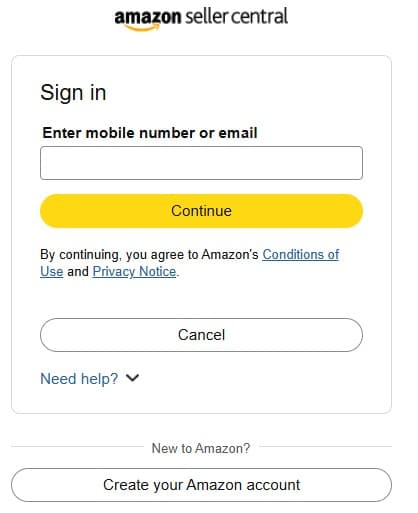
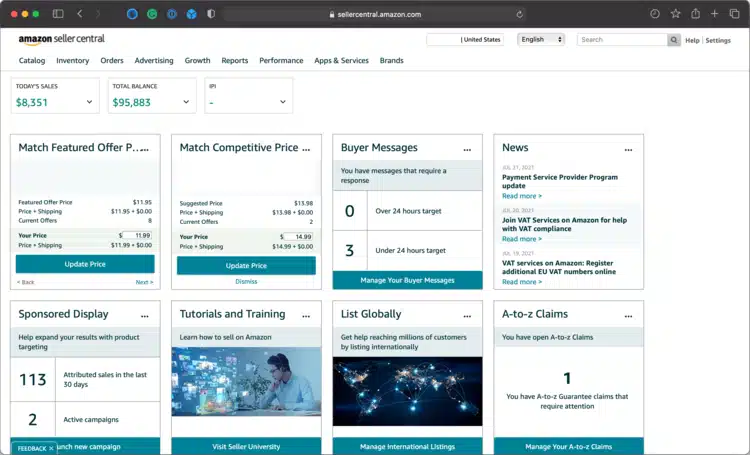
Step 1: Log In to Amazon Seller Central
Buyer reports are tied directly to the seller account and marketplace. Submitting reports from the wrong region or account can delay or invalidate the case.
Action:
- Visit sellercentral.amazon.com
- Log in using your seller credentials
- Confirm you’re in the US marketplace
Common mistake to avoid:
Reporting while logged into a secondary or inactive seller account.
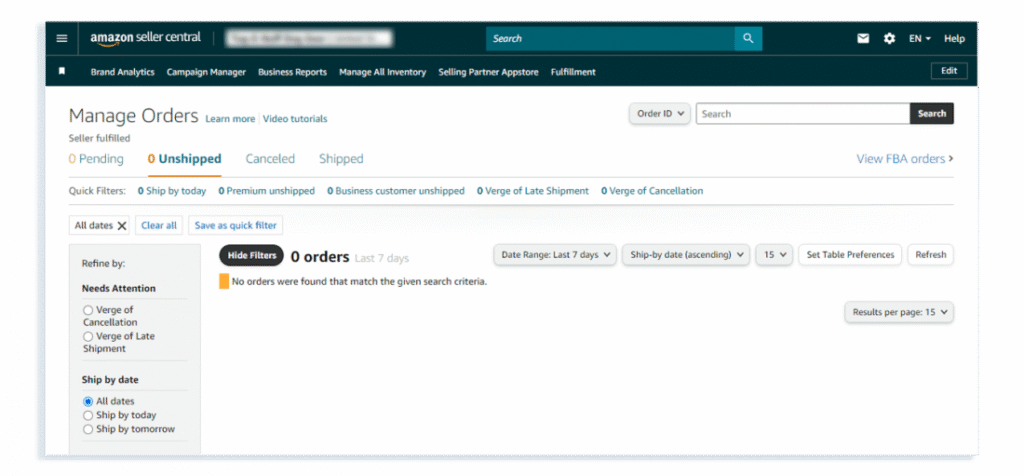
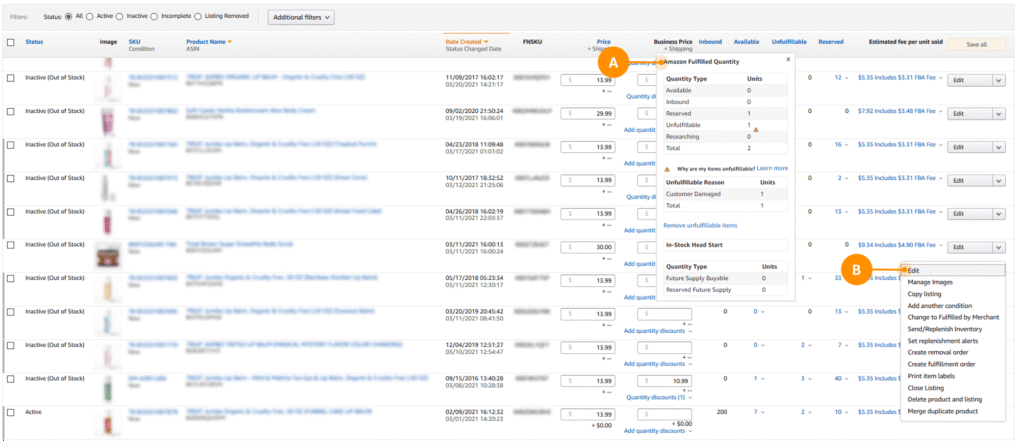
Step 2: Navigate to Orders → Manage Orders
Amazon only accepts buyer reports when they are linked to a specific order ID. General complaints outside an order are rarely actionable.
Action:
- Click Orders in the top navigation
- Select Manage Orders
- Use filters or search to find the relevant order
How to Confirm You’re in the Right Place?
You’re on the Manage Orders page if you see:
- A list of customer orders
- Order IDs and order dates
- A search bar or filters to locate specific orders
There is nothing else you need to click at this stage.
Amazon frequently updates Seller Central’s layout, so some sellers may see “Manage Orders” listed separately, while others are taken there automatically. Both experiences are normal.
Tip:
If you handle high order volume, filtering by date or SKU speeds up the process.
Step 3: Open the Order Details Page
This page acts as the anchor point for all buyer-related actions, including messaging, reporting, and case creation.
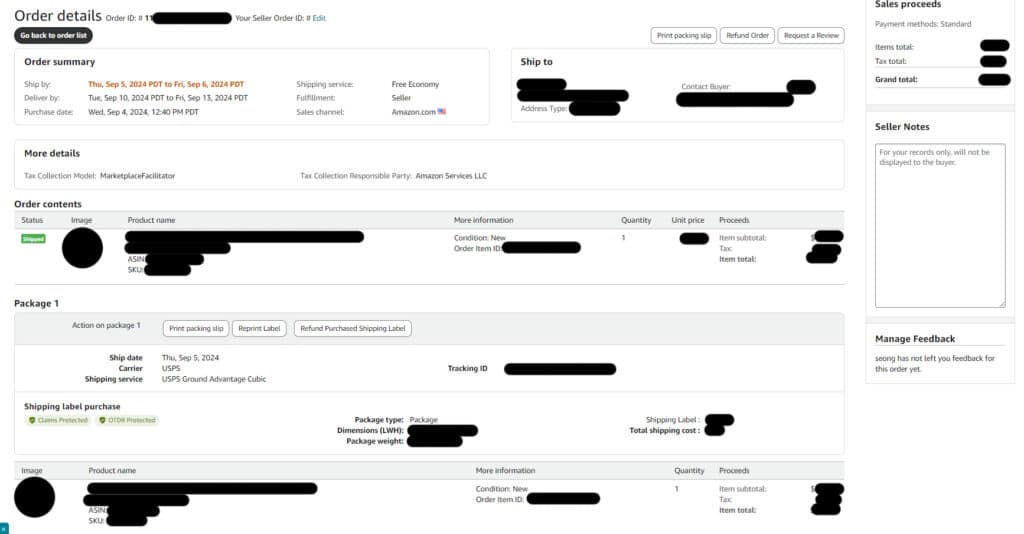
What you’ll see:
- Buyer information (limited by Amazon)
- Order timeline
- Shipping and delivery confirmation
- Message history
Best practice:
Review the full order timeline before reporting to ensure your submission is accurate.
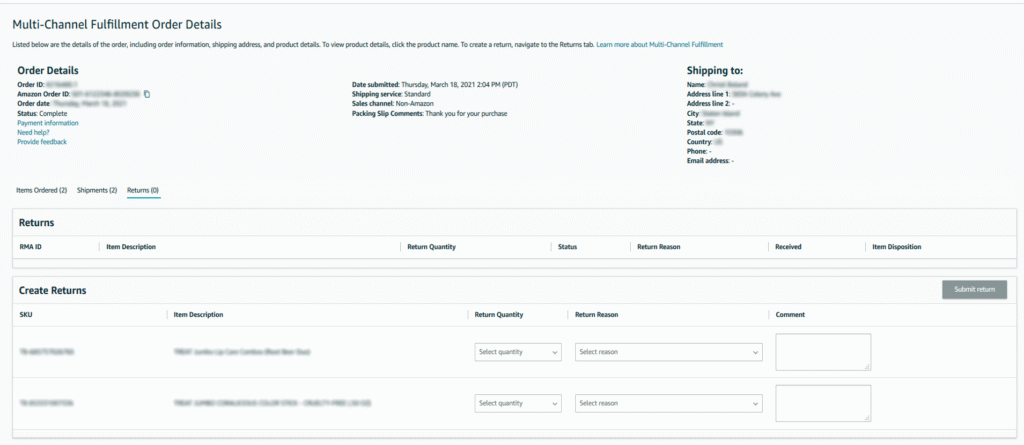
Step 4: Choose “Contact Buyer” or “Report a Problem”
Amazon centralizes buyer behavior reviews through Seller Support to maintain neutrality and consistency.
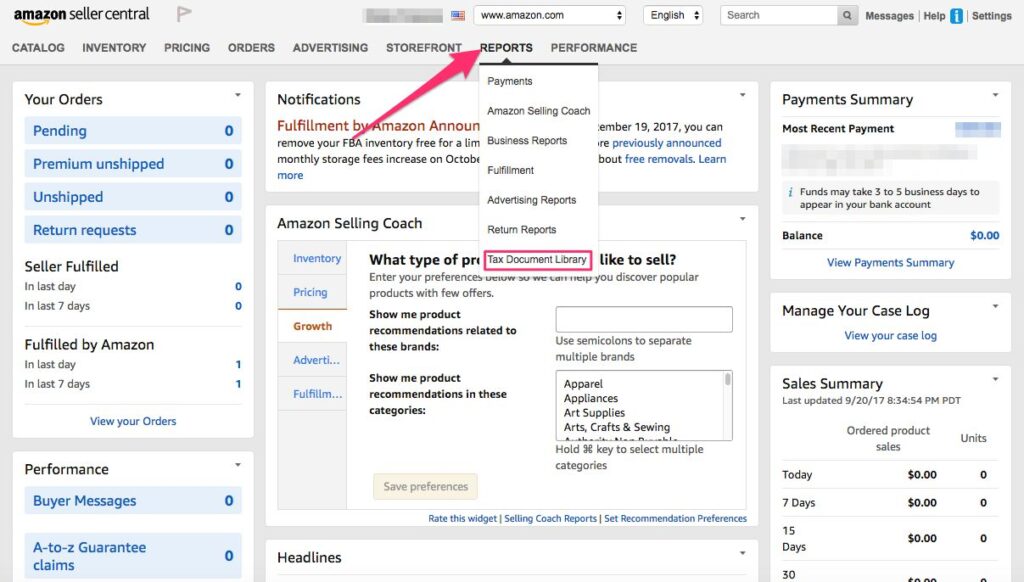
Action paths may include:
- Contact Buyer → Select an issue-related option
- Report a Problem → Initiates a Seller Support workflow
Important:
Do not message the buyer unnecessarily before reporting—Amazon can view excessive messaging negatively.
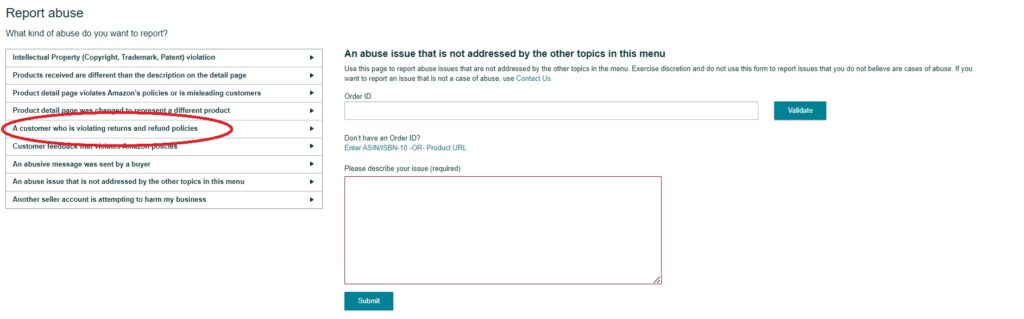
Step 6: Monitor Progress in Case Log
Amazon may request additional details. Missing these requests can automatically close the case.
Action:
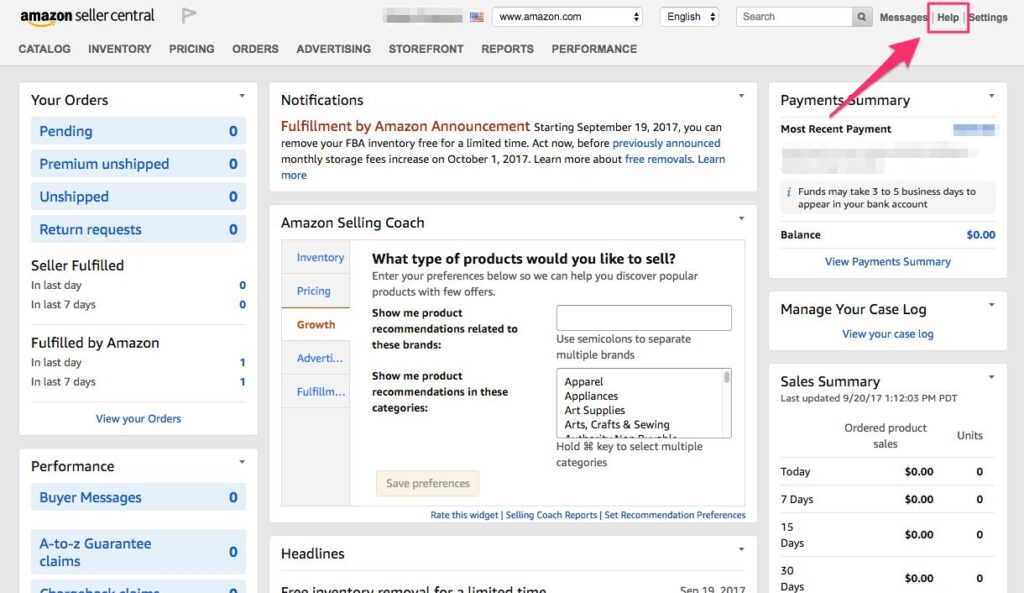
- Go to Help
- Open Case Log
- Respond promptly to any follow-ups
Timeline expectations:
Responses may take several business days, depending on case complexity.
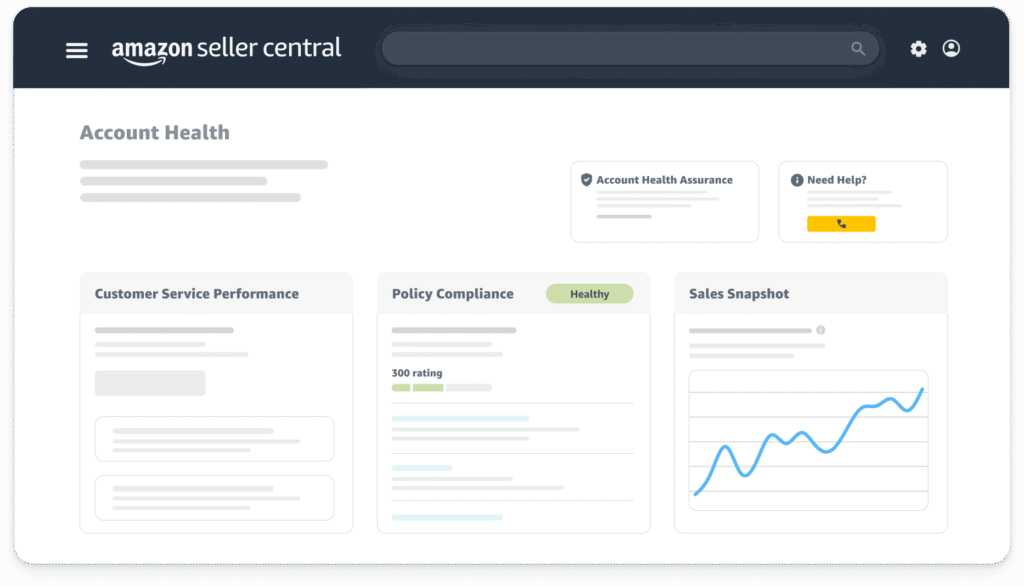
How Buyer Reports Affect Seller Account Health?
While buyer reports are primarily designed to document buyer behavior, they also play an important role in protecting seller account health.
Amazon closely monitors how sellers handle post-order issues, particularly when those interactions result in disputes or escalations.
Poorly handled buyer interactions can result in:
- A-to-z Guarantee claims, which can impact account performance metrics
- Negative feedback, even when the seller followed the policy
- Increased performance risk during product launches, when Amazon applies closer scrutiny
- Additional review by Seller Support, particularly if similar issues occur repeatedly
Proper buyer reporting helps sellers:
- Demonstrate policy compliance when disputes arise
- Create a documented history tied to specific orders
- Protect their account if issues escalate to claims or appeals later
This becomes especially important during new product launches, when account stability and performance metrics directly influence visibility and long-term growth.
What’s the Right Time to Report a Buyer on Amazon?
Timing plays a key role in how effective a buyer report will be. Amazon does not encourage immediate reporting unless the issue is clearly defined and directly connected to an order.
In most cases, sellers should report a buyer only when:
- The issue is clearly order-related
- Standard communication options have been followed
- The buyer interaction is complete, unresolved, or no longer progressing
Reporting too early can make a case appear incomplete, while reporting too late can limit Seller Support’s ability to review the issue.
Best practice:
Submit a report once the situation is fully documented and the facts are clear—but before the order becomes inactive or less relevant in Seller Support systems.
Common Reasons Buyer Reports Fail (And How to Avoid Them?)
Most unsuccessful buyer reports fail not because the issue lacks merit, but because the submission lacks clarity or structure.
Common reasons reports fail include:
- Vague explanations without timelines or order references
- Combining multiple issues into a single case
- Emotional or accusatory language instead of factual descriptions
- Skipping order-level reporting, which Amazon requires
- Missing follow-up requests from Seller Support
Amazon prioritizes clear, well-organized information over volume. A single, precise report linked to the correct order is far more effective than multiple unclear submissions.
How Amazon Reviews Buyer Reports? (and What Happens Next?)
Many Amazon sellers assume that reporting a buyer leads to immediate action or visible consequences. In reality, Amazon treats buyer reports as data points within a larger trust and safety system, not as isolated complaints.
When a buyer is reported, Amazon’s internal teams evaluate the report by looking for:
- Repeated behavior patterns across multiple sellers
- Consistency in order activity, messaging, and claims
- Clear, objective timelines supported by order data
- Compliance with Amazon’s buyer–seller communication policies
Rather than acting on a single report alone, Amazon aggregates reports over time to determine whether a buyer’s behavior indicates abuse, policy violations, or misuse of Amazon systems.
Because Amazon prioritizes buyer privacy, sellers are typically not notified when action is taken. A lack of feedback does not mean the report was ignored—it simply reflects Amazon’s policy of keeping enforcement actions confidential.
What Amazon Expects in a Buyer Report?
Submitting a report is easy. Submitting one to Amazon requires structure.
Amazon expects:
- Chronology: What happened first, second, and last
- Specificity: Dates, order IDs, message timestamps
- Neutral language: No accusations or emotional framing
- Seller compliance: Proof that you followed Amazon policy on your end
Think of your report as an internal audit note, not a complaint email.
How Does Reporting a Buyer Fit Into a Larger Amazon Growth Strategy?
For established sellers and growing brands, reporting a buyer is not a standalone task—it is part of a broader risk and account management strategy.
Effective buyer reporting supports:
- Risk management, by documenting issues before they escalate
- Account longevity, through consistent policy-aligned actions
- Launch protection, especially during high-visibility periods
- Revenue stability, by reducing avoidable disputes and claims
High-growth sellers treat buyer reporting as structured documentation, not confrontation. This approach supports sustainable growth on Amazon’s marketplace.
When Sellers Should Escalate Beyond Basic Buyer Reporting?
Basic reporting may not be sufficient when:
- Buyer-related issues repeatedly affect product launches
- Seller Support responses become generic or unproductive
- Account health metrics begin showing risk indicators
- A more structured escalation process is required
In these situations, professional guidance can help sellers navigate Amazon’s support systems more effectively and reduce operational friction.
How Amerify Supports Sellers Beyond Reporting?
Amerify works with Amazon sellers to ensure buyer-related issues are handled in a way that supports both account health and long-term growth. This includes:
- Navigating Seller Support efficiently
- Aligning buyer reporting with overall account strategy
- Protecting launches from operational and performance risk
- Reducing friction during growth phases
- Managing escalations with policy-aligned precision
This support helps ensure buyer issues do not slow momentum or create unnecessary risk as sellers scale.
Conclusion
Reporting a buyer correctly protects more than a single transaction—it safeguards your brand reputation, listings, and long-term growth on Amazon. When handled with clarity and structure, buyer reporting becomes an essential part of responsible seller account management.
Contact Amerify for handling customer queries and managing your full Amazon Account.